
How Debit Card Controls and eAlerts Keep Your Online Banking Secure
Card Control
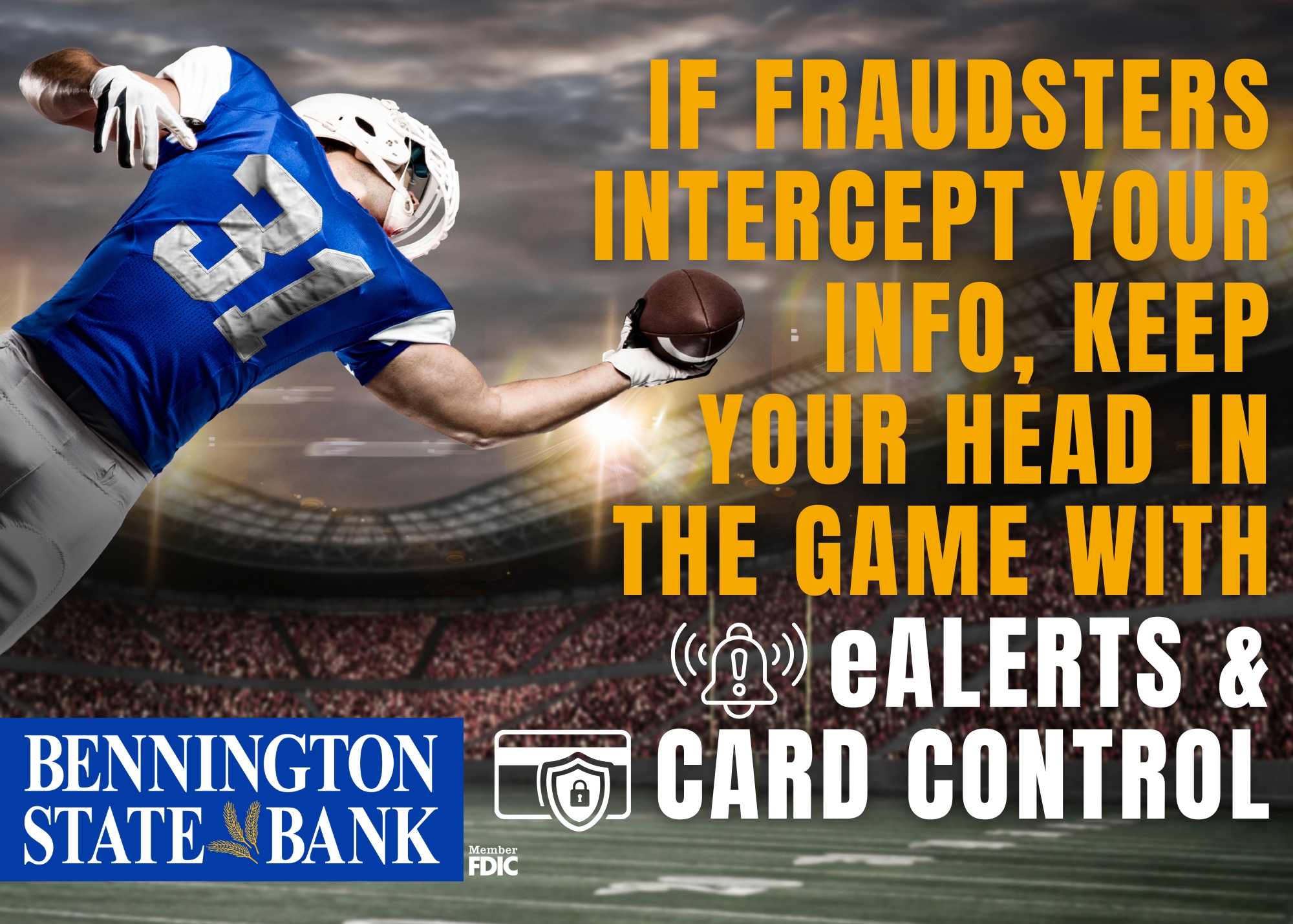
Debit Card Control in BSB Online Banking is a security and management feature that allows you to instantly lock/unlock cards, set spending limits, restrict transaction types (e.g., online, in person), and set travel memos for uninterrupted card use outside of the state. These real-time controls help prevent fraud, manage budgets, and help you quickly update your travel information.
- Instant Lock/Unlock: Immediately deactivate a lost or misplaced card and reactivate it when found.
- Transaction Restrictions: Block specific transaction types, such as online/e-commerce, or international.
- Spending Limits: Set threshold amounts (maximum dollar limit) for transactions to control spending.
- Geographic Controls: Limit card usage to specific regions or states.
- Card Alerts: Receive text, or email alerts for every transaction or only when transactions exceed set limits.
Card Control features are found in our online banking website under sections labeled “User Settings,” “Card Control,” or just “Card Control” in the BSB Mobile App.
eAlerts
eAlerts (or electronic alerts) in BSB Online Banking are customizable, real-time notifications sent via text, or email regarding your account activity. They allow you to instantly monitor transactions, check balances, and receive security warnings about potential fraud without logging in. Examples include low balance, large purchase, and transaction alerts.
Key Aspects of eAlerts:
- Security: These alerts help spot unauthorized access to your account or card immediately.
- Customization: Users can define what triggers an alert, such as a balance falling below a certain amount, a deposit being made, or a transaction exceeding a set threshold. You can also customize how you receive it.
- Budgeting: eAlerts assist in managing cash flow and avoiding overdraft fees by alerting you when balances are low.
eAlerts are managed directly through the “eAlerts” section in our online banking website or the BSB mobile banking app.
Set up these features in our Online and Mobile Banking or call our Treasury team for assistance in setting up eAlerts and Card Control!